
Git Bootcamp
Git is an incredibly useful tool for modern programmers, and you will likely find that you are expected to make use of it in your classes, on group projects, in your internships, and at your jobs.
This bootcamp is designed to introduce you to the basics and prepare you for the more advanced usage that may arise later in your experience.
A PDF handout that summarizes most of the material covered in these videos is available for download.
1 Overview
Video: ~19 minutes
This video introduces some basic concepts and terminology that are necessary to understand Git. It explains the concept of a version control system, the general terminology, and the primary functions provided by Git.
2 Getting Started
Video: ~9 minutes
This video is focused on getting Git installed and initially configured on your local system.
3 Basic Workflow
Video: ~28 minutes
This video explains the basic workflow most commonly followed when using Git locally.
4 Repo Status
Video: ~6 minutes
This video explains how find essential information about a Git repo.
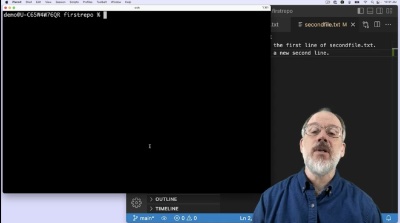
5 Branching
Video: ~13 minutes
This video explains the why and how of branches within a Git repo.
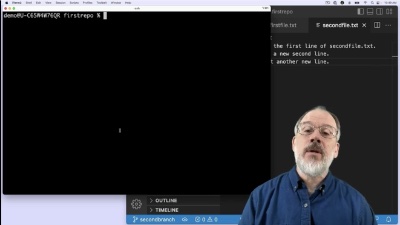
6 Merging
Video: ~11 minutes
This video explains how to merge branches into one another.
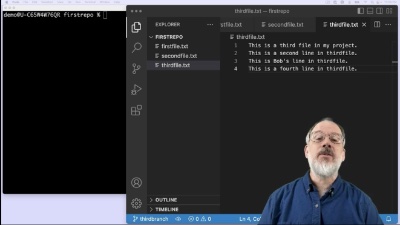
7 Time Travel
Video: ~16 minutes
This video explains how to use the Git to “roll back the clock” on your project and reset or revert all the files in your working directory to their state at the time of a previous commit.
8 Remotes
Video: ~31 minutes
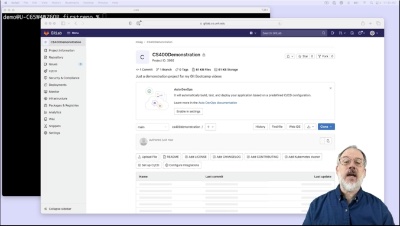
This video introduces the basics of working with remote repositories on a Git server, with a particular focus on the departmental GitLab server.
9 Clone, Pull, and Push
Video: ~27 minutes
This video explains how to clone, pull, and push between local repos and remote repos. Cloning is used to make a local copy of a remote repo. Pulling is used to update that previously cloned local repo with changes made to the corresponding remote. And pushing is used to add local commits to the corresponding remote.